Talent guide
The goal is recognition, not transformation.
Create clear, useful modeling application photographs with natural light, a phone camera and minimal editing.

Use uncomplicated light
Stand near a large window or outdoors in open shade. Avoid strong colored bulbs, beauty lights that erase facial structure and direct midday sun that forces squinting.
Photograph what reviewers need
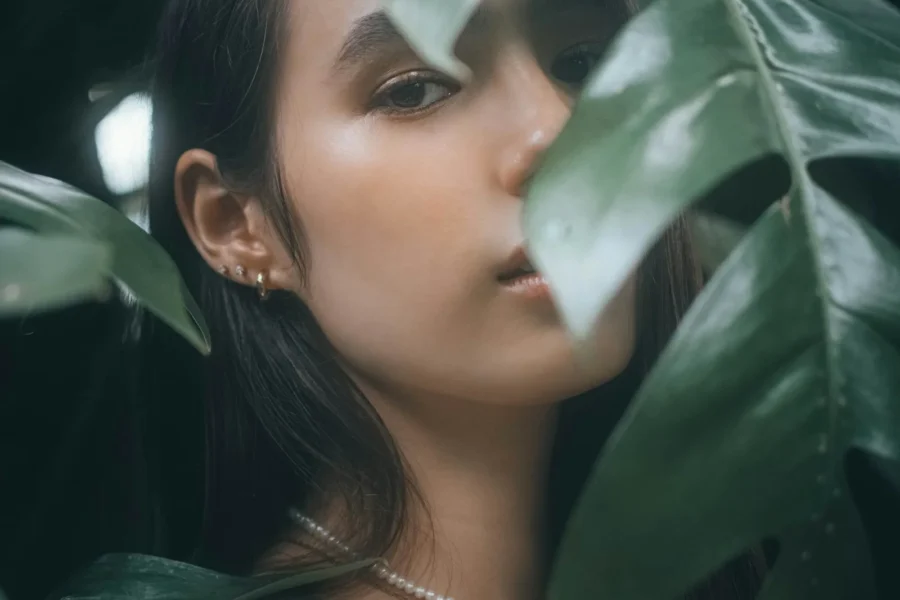
Include a straightforward portrait, full-length front view and a relaxed optional image that reflects your intended category. Keep the camera level and far enough away to avoid wide-angle distortion.
Leave the filters off
Face reshaping, artificial eye enlargement, skin blurring and body editing make an application harder to evaluate. Small exposure and crop corrections are enough.
Practical checklist
- Clean the camera lens
- Use the rear camera when practical
- Wear simple fitted clothing
- Submit recent images
Explore your options